Linux app · Nov 2026
SideKeys
A Linux tool that lets you choose what your mouse's side buttons do, with a number pad you click.
Download from GitHub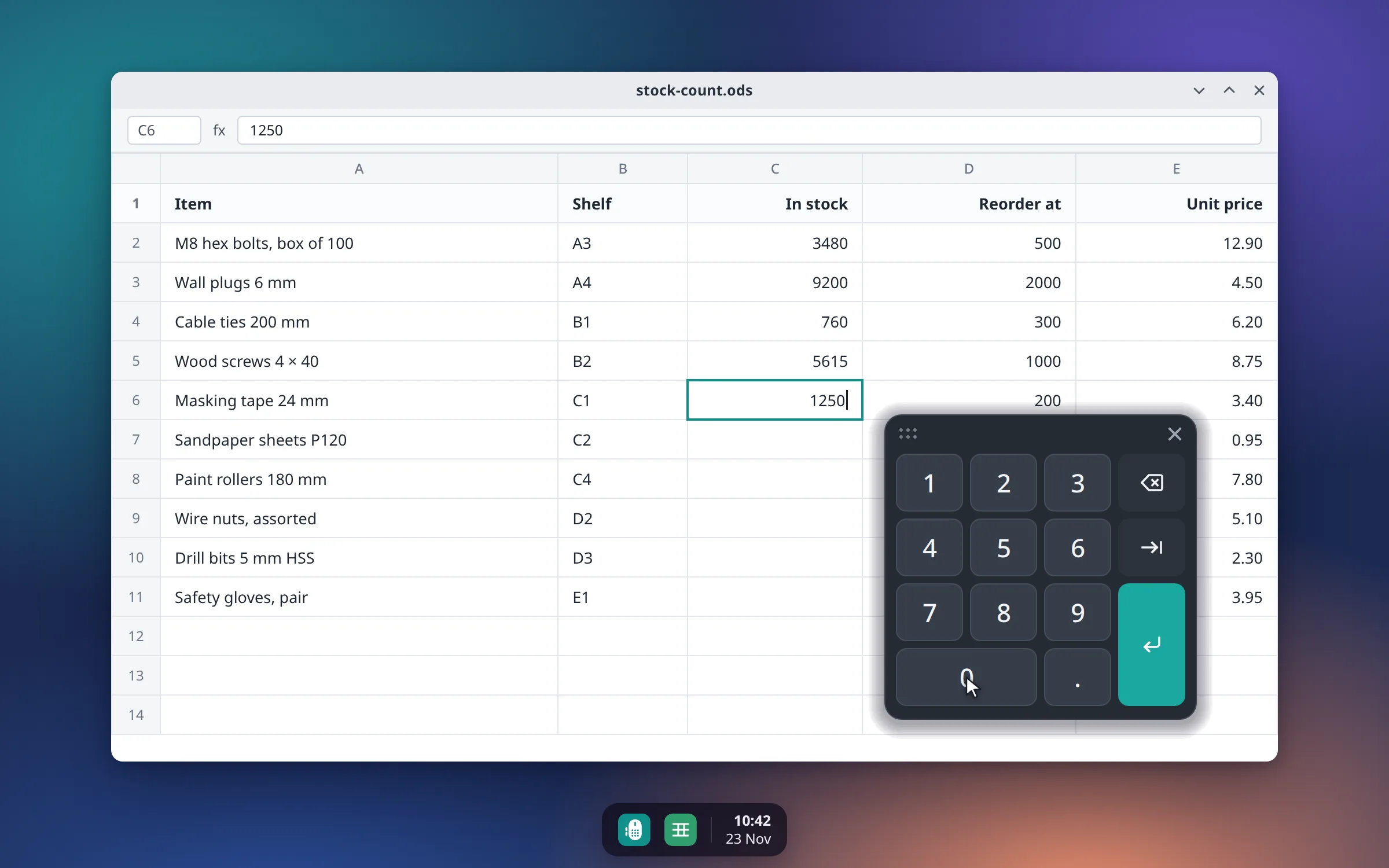
- Client
- Personal project
- Role
- Design & development
- Type
- Linux app
- Started
- Nov 2026
- Stack
- PythonQt QuickPySide6evdev & uinputWayland layer-shell
Overview
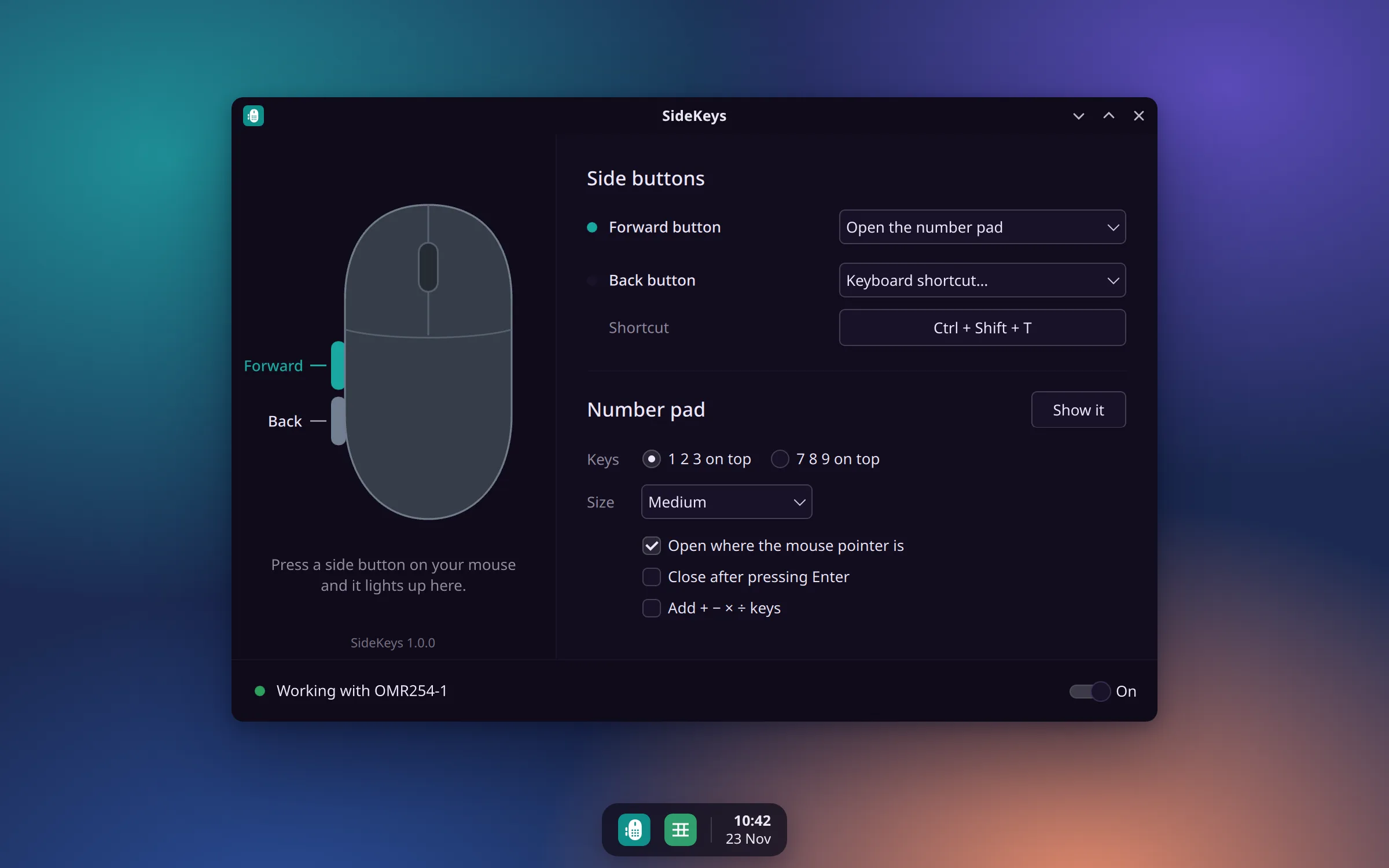
The number row is the part of my keyboard I always have to look down for. SideKeys puts a number pad on a mouse button instead: press a side button and a small pad opens with the pointer already on the 5. Click the digits and they're typed into whatever you were typing in, a browser, Teams or a spreadsheet, because the pad never takes keyboard focus. It can switch to a full keyboard too, for when you'd rather not leave the mouse at all.
The two side buttons can do other things too: go back or forward, copy and paste, close or reopen a tab, control music, press any shortcut you record, or run a command. A small background service passes the mouse through a virtual copy and steps in only for those two buttons, so it works in every app, on Wayland and X11. It's free and open source, and installs with one command from its GitHub page.
Need something similar? See how I approach custom software or tell me about your project.
Screens
A closer look.